Houfida reads notices, organises cases and prepares suggested actions and drafts ahead of deadlines. Focus on your client and your argument; your assistant keeps the case moving.
Write in a meeting or at court. Your notes stay in the pen, then move into Houfida when you're back near your phone and open the app. The thought you captured stays with your work.
From the first filing to enforcement follow-up, Houfida connects the case: reading notices, finding deadlines and bringing you a suggested next step and a draft. You shouldn't have to explain the whole file again.
Focus on your case. Houfida keeps the work moving.
From the first filing to enforcement follow-up, Houfida connects the case: reading notices, finding deadlines and bringing you a suggested next step and a draft. You shouldn't have to explain the whole file again.
08:00
Every morning at 8
The tasks you added
The tasks Houfida found in your cases
A calendar updated with new case information
Example conversation with Houfida
Morning, Saeed. Welcome back!
We've got a busy day. Let's start with what matters: your hearing is coming up, and I've put today's work in order.
Your hearing is in 27 days. I've prepared a defence draft. Take a look, make any changes you need, and use it once you're satisfied.
Houfida suggests and drafts. You review, decide and submit.
01
A new notice? It knows where it belongs.
With an authorised connection to Iran's judicial service, Houfida reads notices, summarises them and places them with the case. Upload a document with no existing case and it extracts the parties and details to create one.
02
The next deadline. And the next step.
Hearing dates, correction periods and objection deadlines move from the notice to the Persian calendar. As a date approaches, Houfida brings you a suggested action and a draft grounded in the case.
03
Let's look closer at that expert report.
Houfida reads the documents in context. If it identifies a point against your client's interests, it draws your attention to it and prepares a reasoned objection draft for your review.
04
Tired of typing? Just talk.
Ask your question out loud or give your assistant a task. Houfida responds and follows the request through the case workflow, turning a conversation into practical help.
05
No internet? Reach out by SMS.
The Houfida SMS service gives your verified account another way to request case information and receive a text reply when internet access isn't available.
06
One case, from filing to enforcement.
Case creation, notices, hearings and enforcement requests stay connected in one dashboard, so you can see where things stand and what needs your attention next.
Cases and folders in the Houfida appManaging pen pages in HoufidaViewing a case document and attachments in Houfida
01
From notice to case
Share a file. Houfida puts the case together.
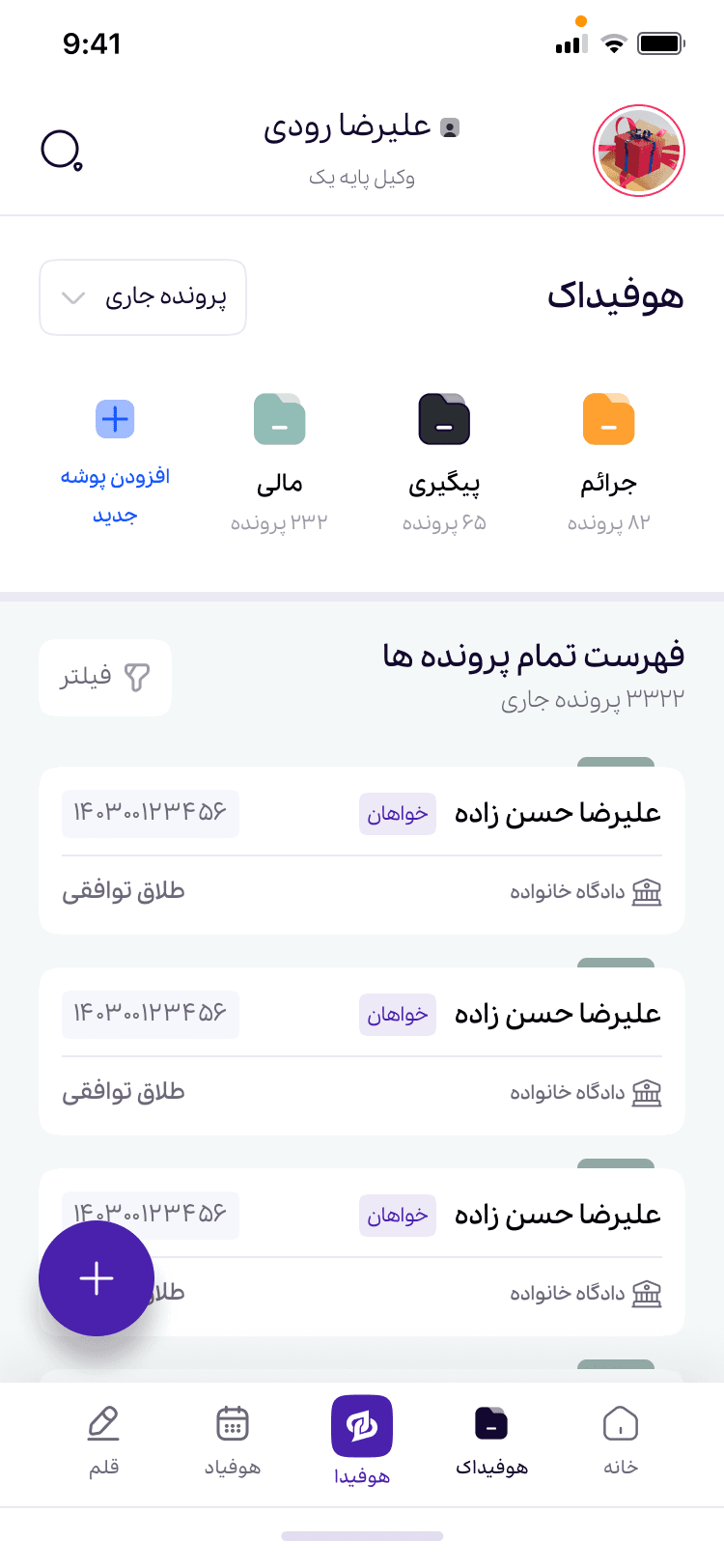
With an authorised connection to Iran's judicial service, Houfida reads notices, summarises them and places them with the case. Upload a document with no existing case and it extracts the parties and details to create one.
Extract parties and case details
Summarise and organise notices
Create a case for a new document
Cases and folders in the Houfida app
02
Pen and notes
Write at court. Pick it up in Houfida.
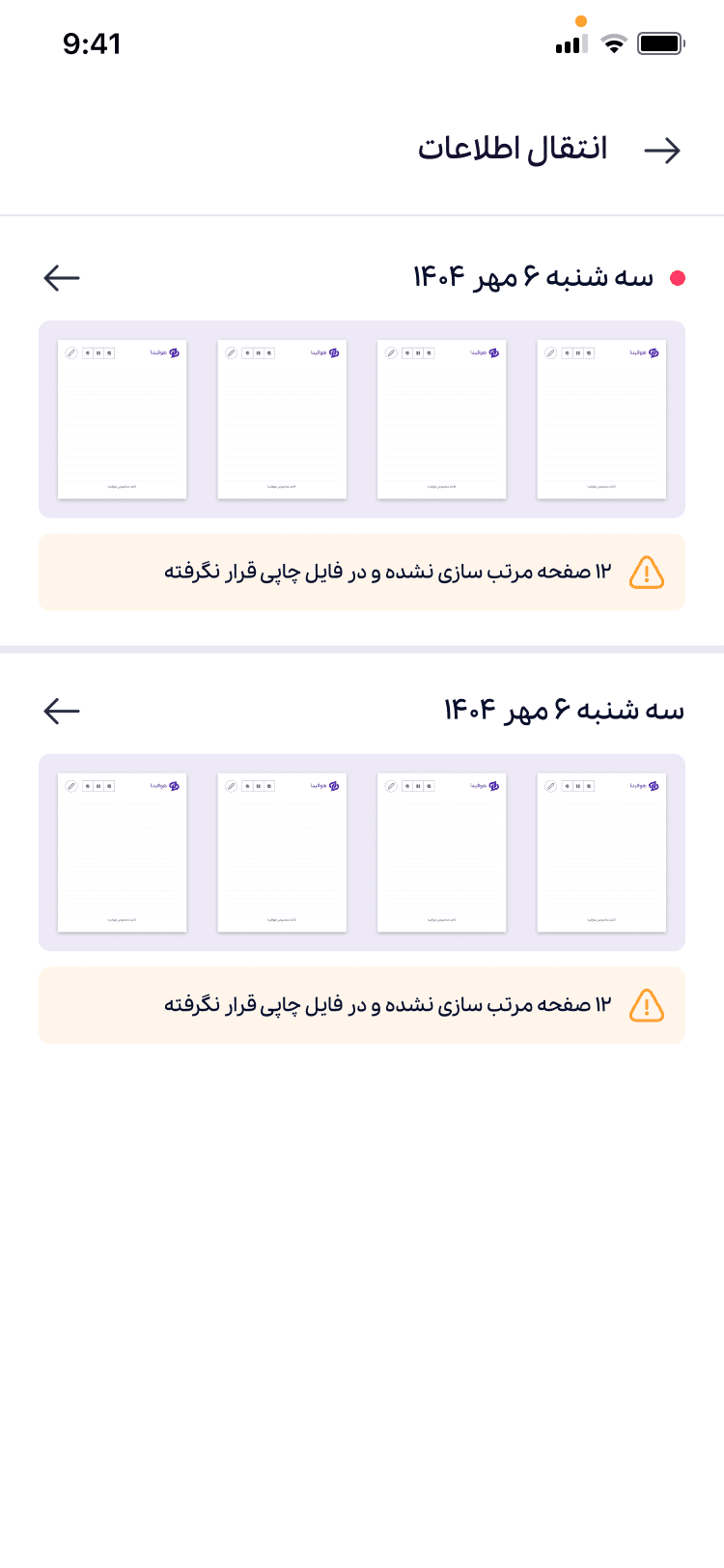
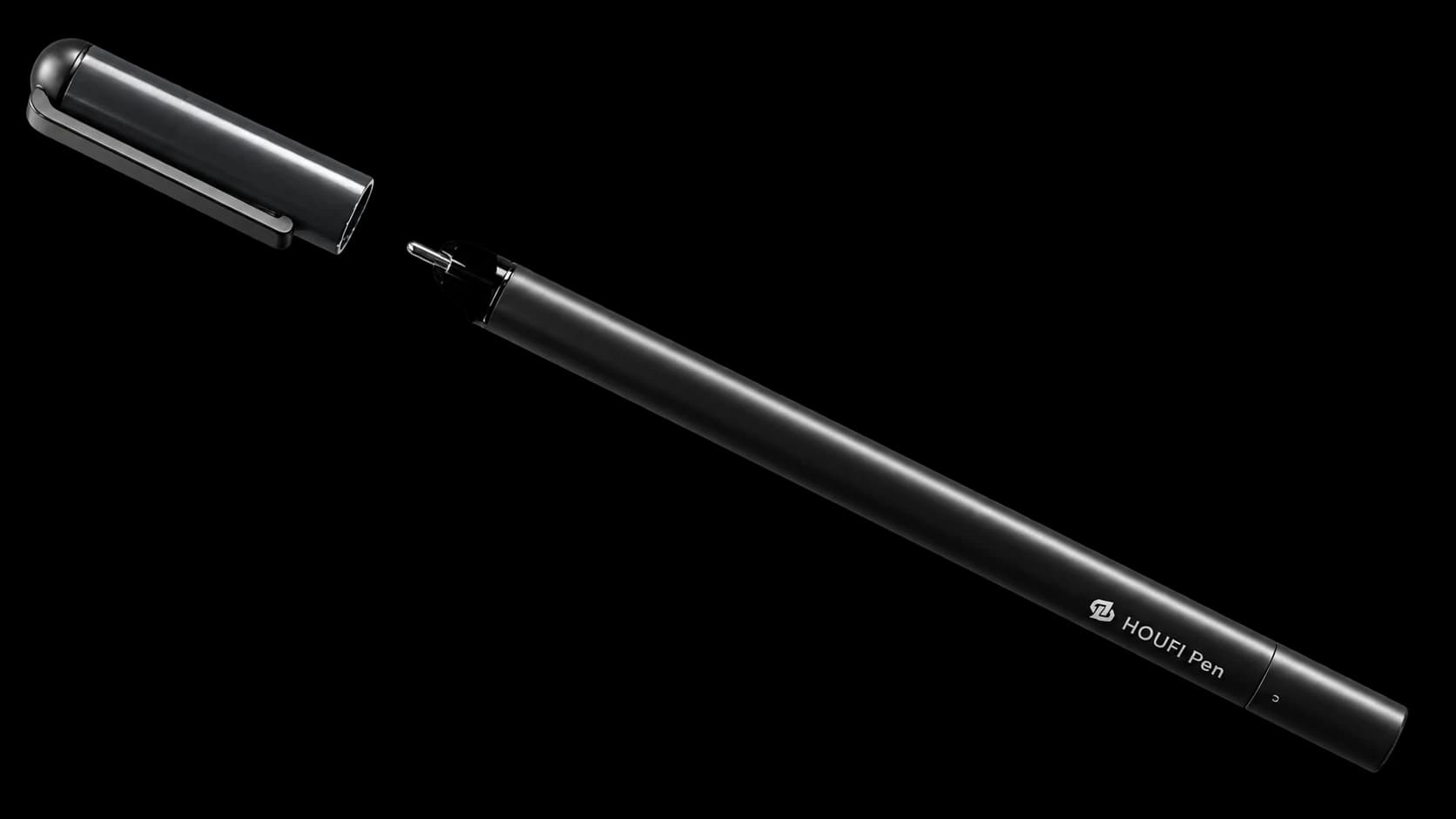
Write in a meeting or at court. Your notes stay in the pen, then move into Houfida when you're back near your phone and open the app. The thought you captured stays with your work. Houfida reads and analyses your writing to find the subjects and tasks within it. The pen gives you a natural way to share your thinking with your intelligent assistant.
Write without your phone
Sync when you open the app
Read and analyse your notes
Managing pen pages in Houfida
03
Analysis and action
More than a reminder. A draft to move forward.
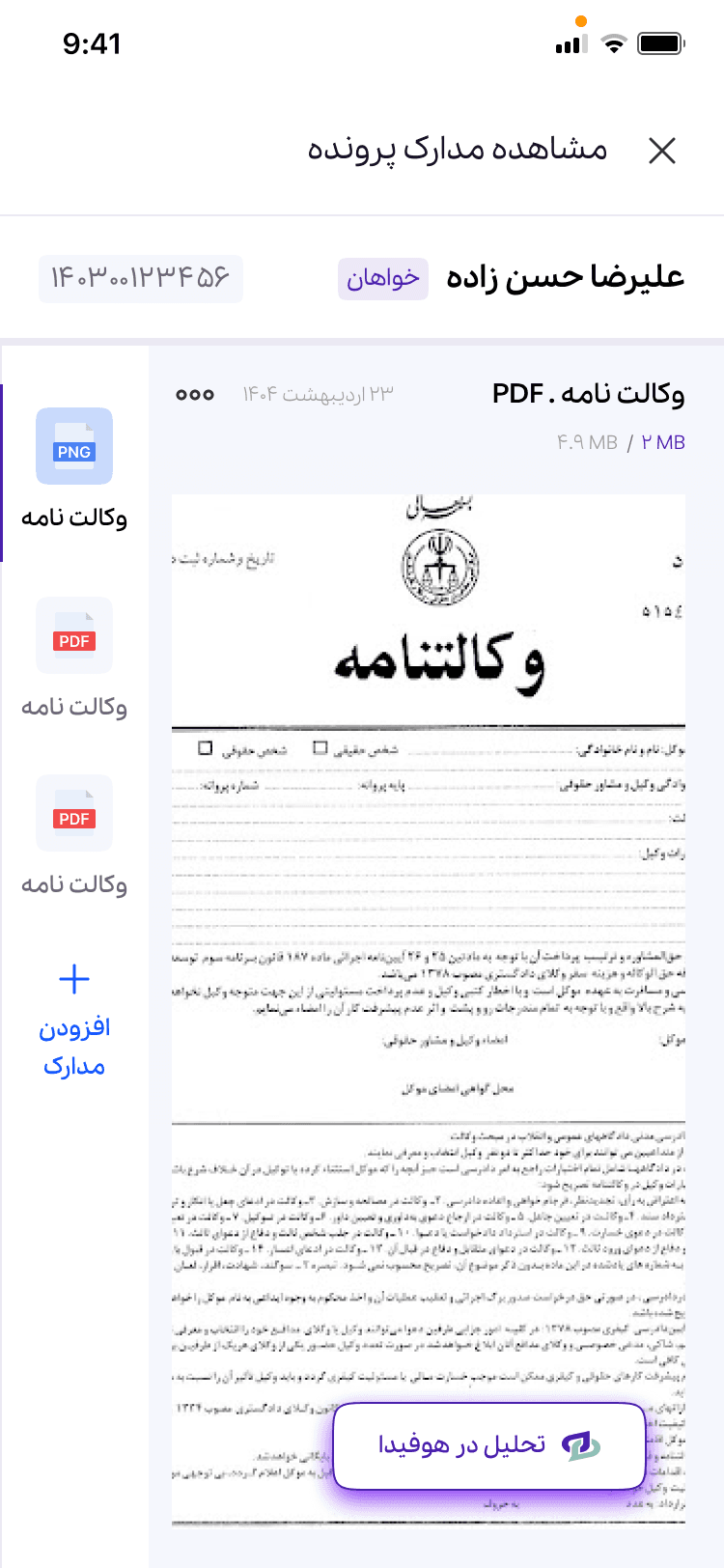
Houfida reads the documents in context. If it identifies a point against your client's interests, it draws your attention to it and prepares a reasoned objection draft for your review. Hearing dates, correction periods and objection deadlines move from the notice to the Persian calendar. As a date approaches, Houfida brings you a suggested action and a draft grounded in the case.
Persian calendar and countdowns
Notice and expert-report analysis
Drafts for your professional review
Viewing a case document and attachments in Houfida
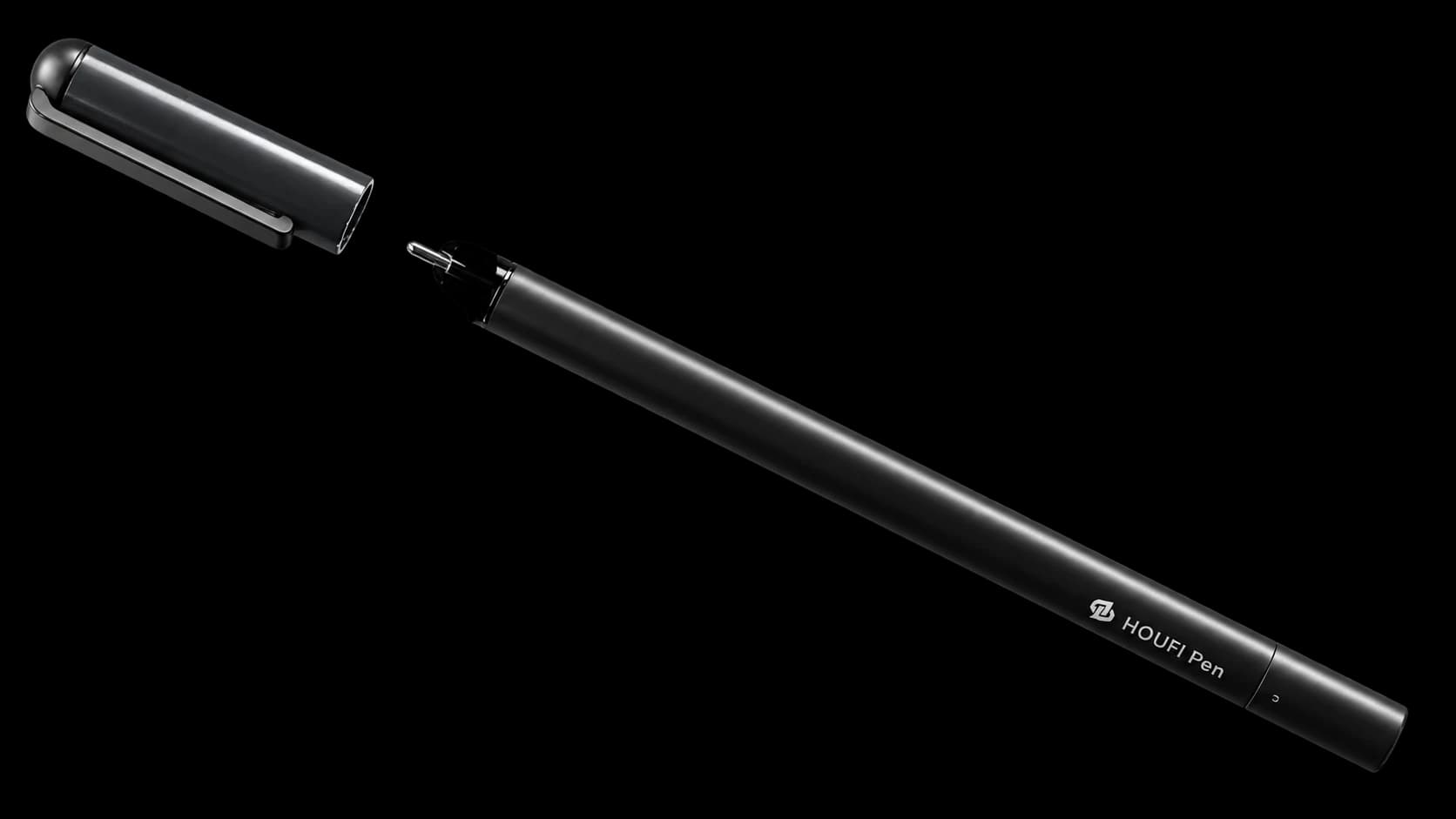
HOUFIDA PEN / SERIES 1
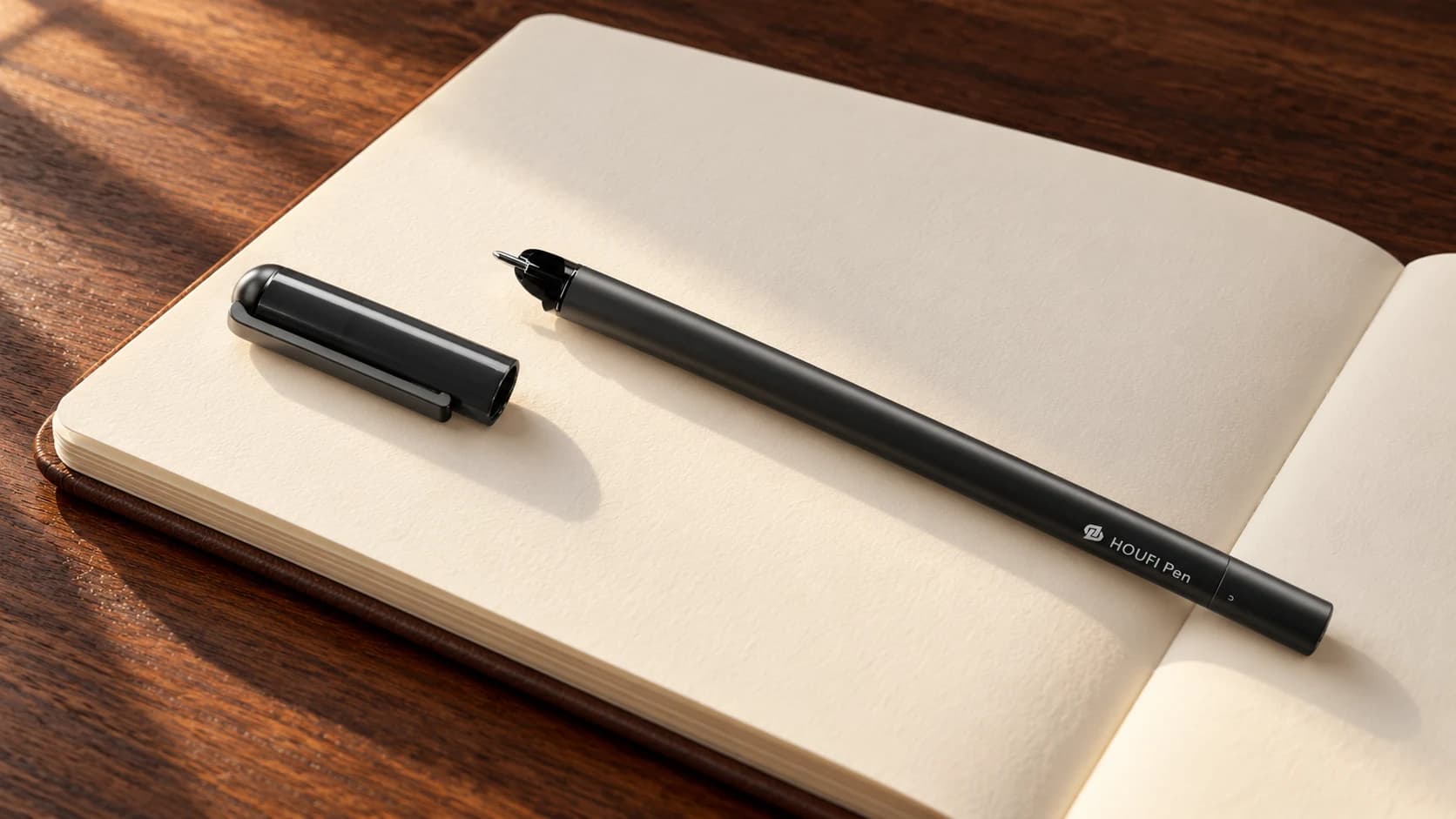
No phone to hand? Keep your thoughts on paper.
Write in a meeting or at court. Your notes stay in the pen, then move into Houfida when you're back near your phone and open the app. The thought you captured stays with your work.
Houfida reads and analyses your writing to find the subjects and tasks within it. The pen gives you a natural way to share your thinking with your intelligent assistant.
HOUFI PEN · SERIES 1
Open a new chapter.
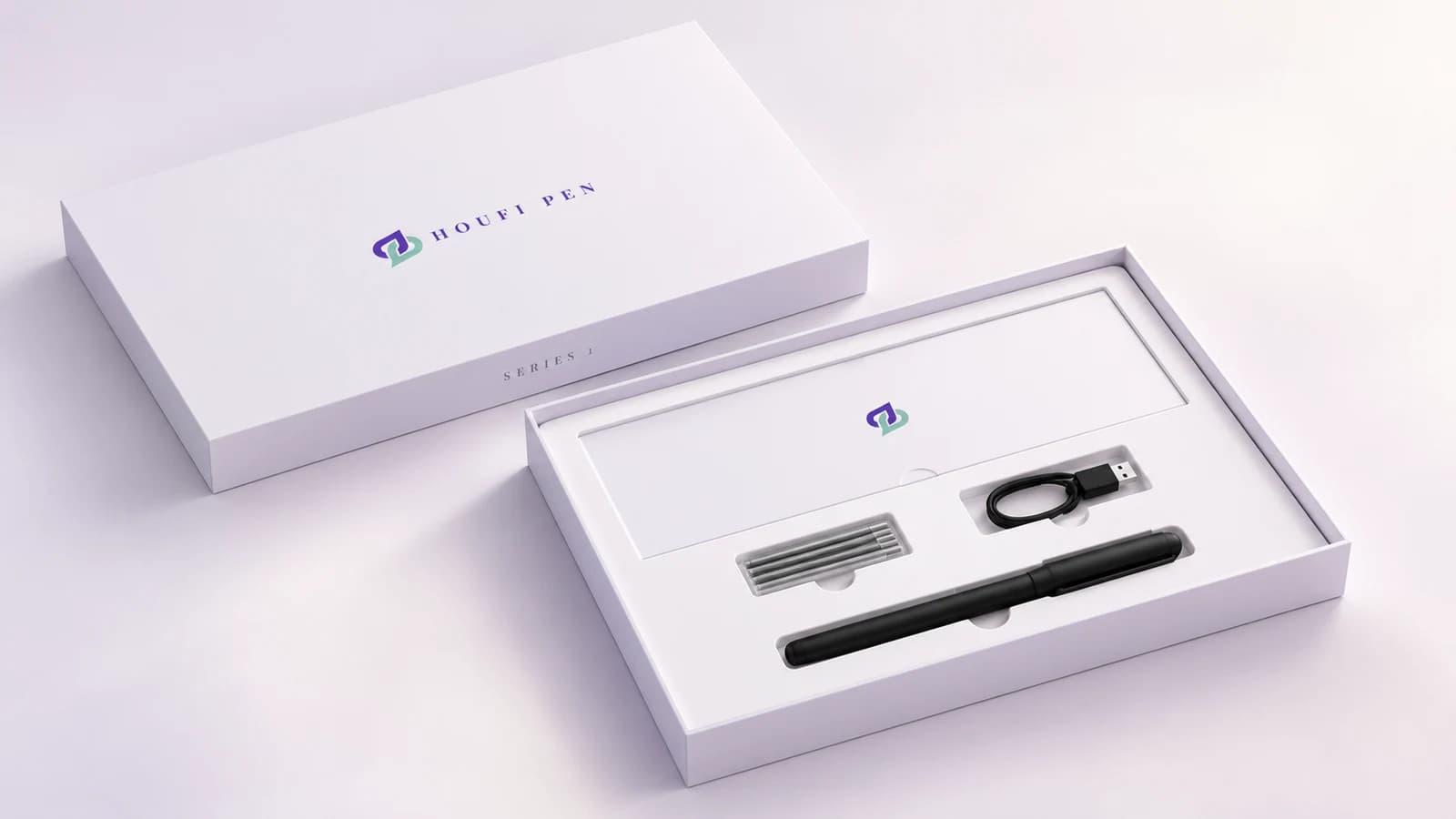
HOUFI Pen, its charging cable and refill pack, together in Houfida’s signature box. Take a closer look at the details.
Getting started
From introduction to use, step by step.
1
Find the official release
Follow release news and approved versions on the download page.
2
Register and verify
In app registration, mobile verification is separate from identity and professional eligibility checks.
3
Access for your account
Feature access depends on your account's approval status and active subscription.
You do not need an app account to select a pre-order. Purchase mobile verification does not activate a professional app account.
Houfida focuses on legal practice and case information. Professional app access depends on identity verification and account status.
Do I need an app account to pre-order?
No. Purchase mobile verification is a separate process. It does not replace professional identity verification in the app.
How do plans differ, and when does the subscription start?
Plans are listed by duration and price; different feature tiers have not been announced. Check published terms or ask support about the start date and activation conditions before buying.
Must I buy the pen with a subscription?
No. Houfida Pen Series 1 is a separate, optional choice. Review your selected items and their individual prices in the shop.
How is a pre-ordered pen delivered?
Place and pay for your order before launch. Collect your pen and other event pre-order goods in person on launch day; review the collection details before confirming.
How can I contact support?
For registration, purchase terms and order enquiries, contact info@dahoup.com.
HOUFIDA PEN / SERIES 1
From a page to your case workflow.
A meeting note, a defence idea, a task to follow up: write it down and pick it up in Houfida. Keep the feel of a pen and the help of an intelligent assistant.
Your next step starts here.
Compare subscriptions or speak with the Houfida team about your questions.
 Houfida